
This is a part of a trilogy. In the previous part, I talked about why I chose self-hosting.
This post was written to the sound of EDM. Here's the playlist:
Technical projects, especially self-hosted ones, always begin with hardware. I’d been eyeing a Mini PC for a long time, and in November 2024, I finally pulled the trigger: an HP Z2 Mini G4. What sold me was its versatility: compact size, solid capability, and room for upgrades down the line.
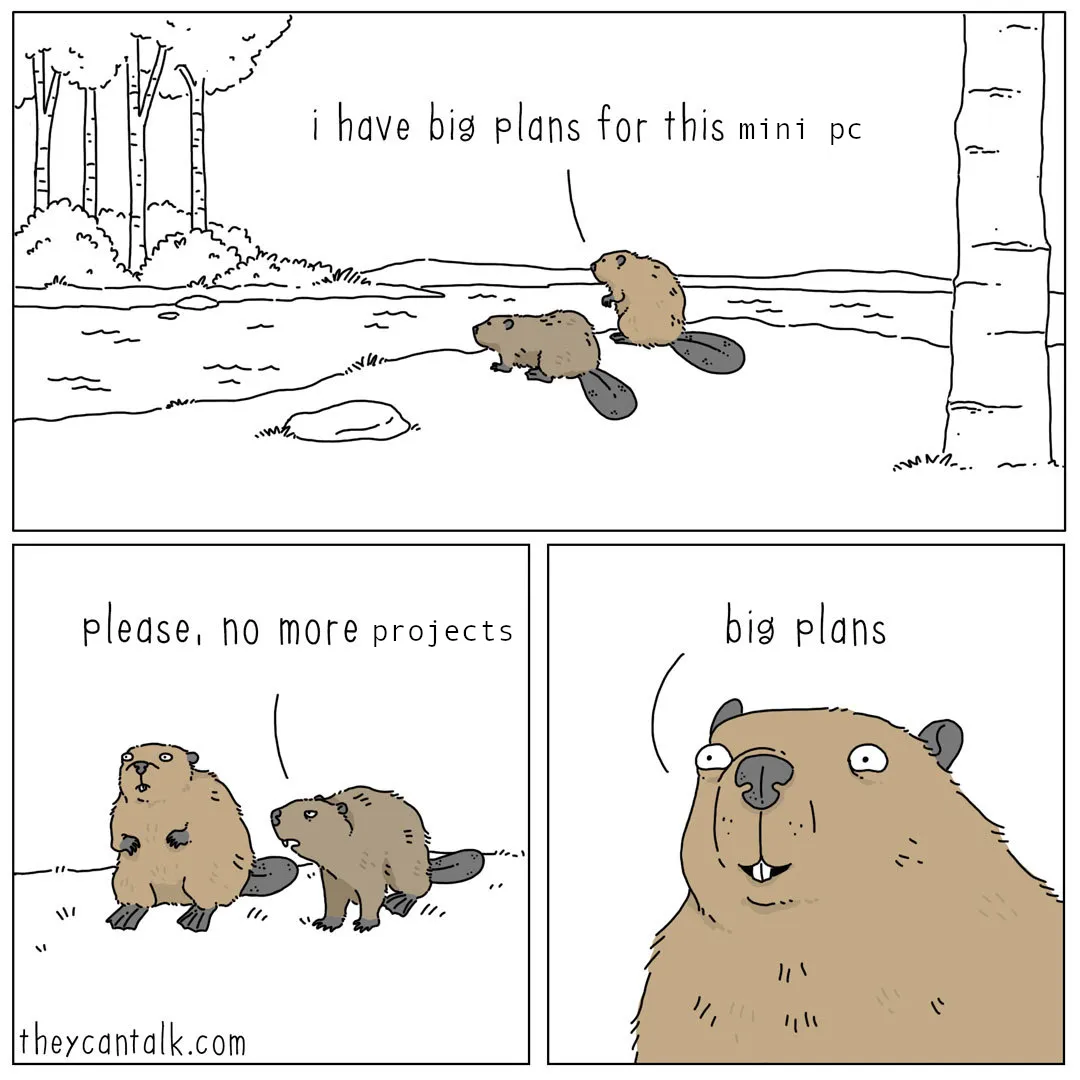
This mini pc, which I named Nanostorm (yeah, real cool 😎), has the following hardware:
- Intel i7-8700
- Nvidia Quadro P1000
- 16 GB Ram
- 512 GB NVME SSD
The Mini PC even had a fairly weak GPU, but still a GPU. That sparked the idea of turning it into a light gaming and media device for the TV, while it was already running 10+ Docker containers in the background.
The problem was obvious in hindsight: I’d installed Ubuntu Server with no desktop environment, then strapped on a bare-bones i3 setup. It was fine for containers, but terrible for anything UI-driven. Games and hardware-accelerated video playback were basically doomed from the start. I still tried, of course, but the result was just more clutter.
On the homelab side, though, it was fun. I had it:
- hosting my hobby projects
- serving as a media server
- acting as a bridge so Siri could talk to devices she normally wouldn’t
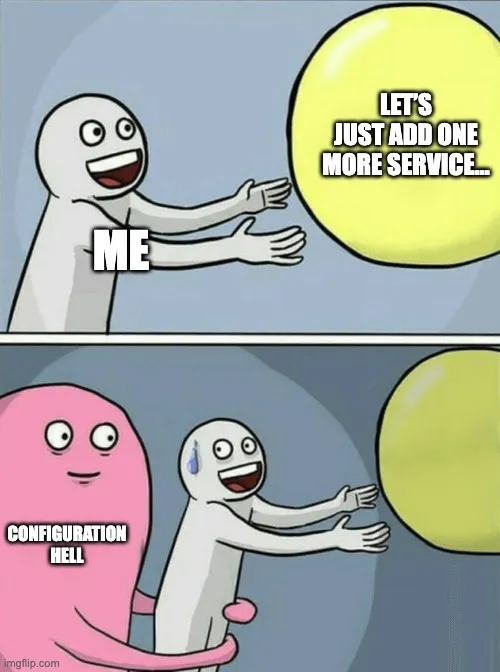
It was all running smoothly—until I continued trying to make the poor thing do everything at once. My ambitions outpaced its capabilities (software, not hardware), and the overload smothered my motivation. Eventually, I wanted to wipe the OS and start fresh, as I usually do when things get messy.
In between all this, things happened. I moved, changed jobs, which led to focus fleeing and the project getting delayed, without the ability to dedicate time to it and find a good place for the PC itself, but finally, I found the motivation, the place for the PC and started working on preparing it for the blog.
When I restarted the project, I didn’t change that much with the set up - I still stuck with Ubuntu Server, because I don't need DE to use resources, when I will be using the PC remotely, without ever looking at the UI, but I did give up the UI part, because I understood that doing too many things in one place ends up breaking all of the things you try to do.
After installing the OS, I was focusing on how to deploy things. I chose Kubernetes, specifically k3s, because this would give me more configurability than having one large Docker Compose file. Additionally, this enabled me to utilise ArgoCD for a GitOps approach to managing the services (Let’s skip the part where it took me a couple of weeks to connect Argo to GitHub). This worked well until I focused on getting the GPU recognised by Kubernetes. I thought - well, I have it, so it makes sense to add support for it, for the future.
After 8 hours of reinstalling the OS, because drivers would break over and over again, and Kubernetes still not seeing the GPU, I decided to stop. My initial use case didn’t require a GPU, and my first setup was not using the GPU either way, so no actual need to have it. I still wanted to have fun with this project, and this was slowly crossing the border of being fun into the territory of insanity:
Insanity is doing the same thing over and over again and expecting different results.
With this done, the hardware and managing software were ready, and I was finally ready to move on to the actual services that I would run on the server - the blog itself.
In the final part of what I would call a “Trilogy of Creation”, I will describe the software running this blog, why I chose it, and what other parts are there to support this process.
Don’t forget to subscribe so you don’t miss the next post.